


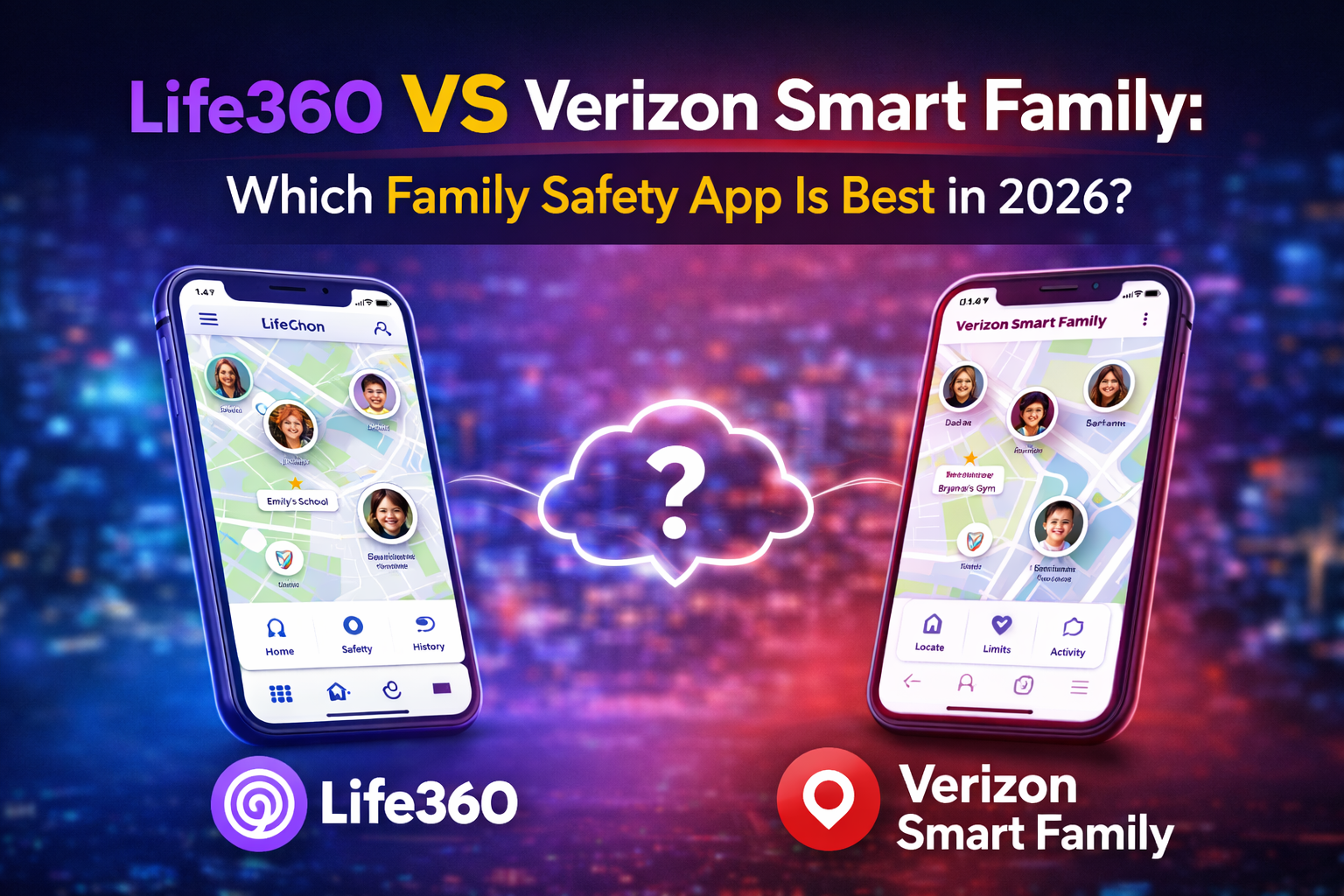
In the age of digitalization, the issue of child safety on and offline is one of the major concerns among parents. Life360 and Verizon Smart Family are two of the most discussed family safety solutions.
Although both applications are designed to assist parents in guarding and keeping track of their children, they approach the issue of location tracking, parental control, and daily usage differently.
We will deconstruct the performance of these tools in this comparison in order to help you determine which tool is best suited to your family.
Quick Comparison: Life360 VS Verizon Smart Family
| Feature | Life360 | Verizon Smart Family |
| Real-Time Location | Excellent accuracy | Good |
| Driving Safety & Alerts | Advanced | Limited |
| Geofencing | Yes | Yes |
| Screen Time & Web Controls | Basic | Strong |
What is Life360?
Life360 is an independent family safety application that is principally based on location sharing and real-life safety. It also allows family members to create Circles, allowing parents to see the location of all people in real time, make their own geofences (such as home or school) and get arrival/departure notifications. Driving insights, including speed and crash detection, are also part of Life360, which is why it is popular with teen drivers in the family.
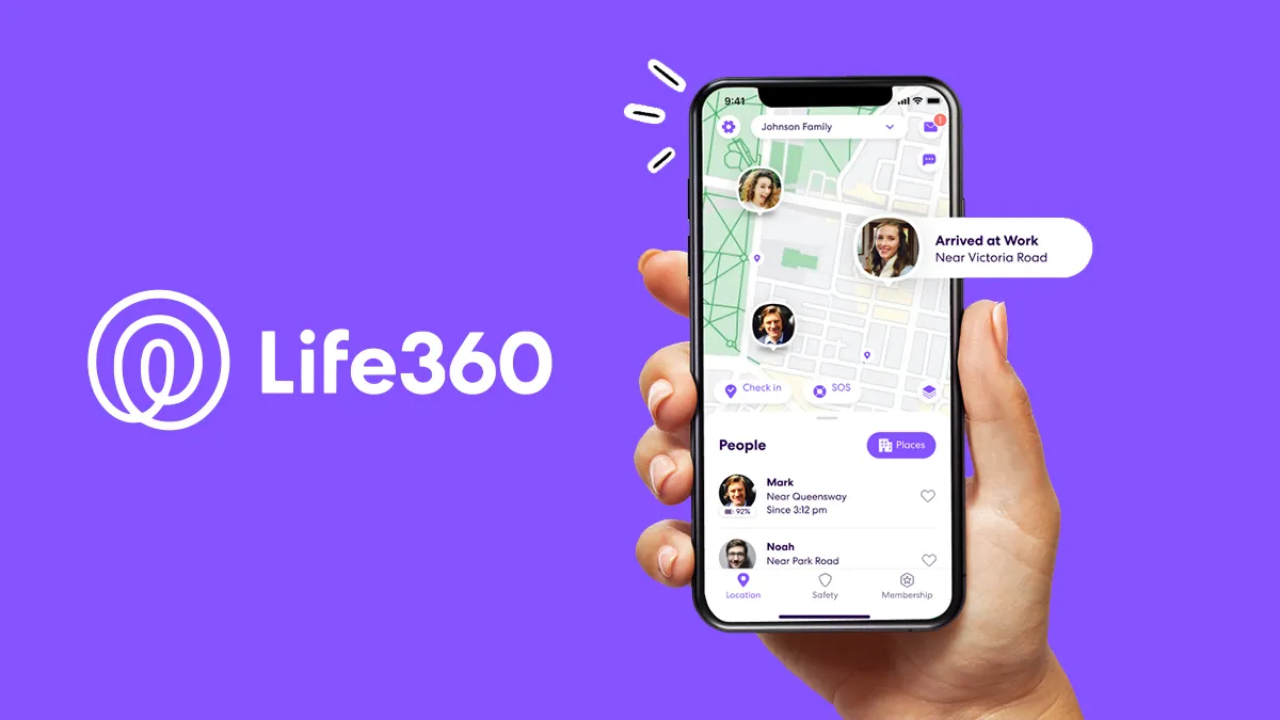
Life360 is compatible with all major carriers and Android and iOS devices. Basic features are free, though an upgrade to premium includes such advanced functions as unlimited geofences, driver safety reports, and dispatch services in case of an emergency.
What is Verizon Smart Family?
Verizon Smart Family is a family tracker that combines location tracking with parental controls in detail. It can be used with Verizon mobile plans without any issues, and besides providing parents with location notifications, it gives them the opportunity to control internet usage, screen time, block inappropriate content, and even block application usage.
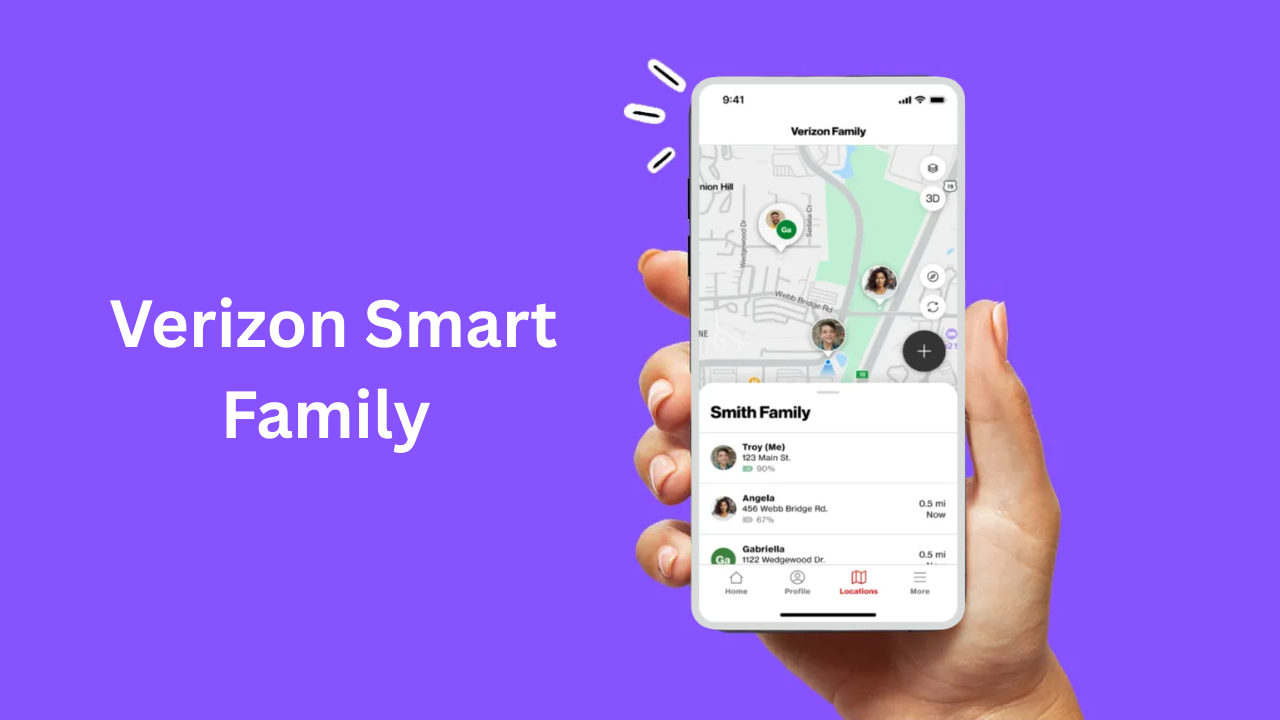
Since Smart Family is connected to your Verizon account, it is particularly convenient in the case of families that have all Verizon users. Nonetheless, its complete range of functions is usually a premium subscription.
Life360 VS Verizon Smart Family: Detailed Feature Breakdown
1. Location Tracking
The two apps are both location based, albeit in a different way.
- Life360: It provides good and consistent updates as well as accurate GPS positioning. Family members can be located at any given time and you are notified whenever they are in or out of certain locations.
- Verizon Smart Family: Verizon offers the ability to track your location as well as your lines. It can be updated every few minutes, and can be used where the carrier signal is strong.
Winner: Life360 in most cases, particularly, other carriers.
2. Safety & Driving Features
Safety features are important to teen driving families.
- Life360: This application also has advanced driving features, crash detection, and emergency SOS alerts, features that are not limited to simple tracking.
- Verizon Smart Family: Provides the simplest driving notifications, yet pays more attention to the use of the device rather than in-depth driving analytics.
Winner: Life360 with well-built driving and safety assistance.
3. Digital Management and Parental Controls
In the case of regulating what children watch on their screens, things are different.
- Life360: It is more oriented to location and safety; the possibilities of parental control are minimal.
- Verizon Smart Family: Glitters with online settings such as screen time management, content filters, application blocking, and internet freezing.
Winner: Verizon Smart Family to families that are concerned about their digital wellbeing.
4. Interoperability and Usability
- Life360: It is compatible with both Android and iOS and works with any carrier.
- Verizon Smart Family: This would be the most appropriate plan that will fit families who have Verizon wireless service and is administered via the Verizon dashboard.
Winner: Life360 because it supports a wider range of devices and carriers.
5. Pricing and Value
Life360 is a free service with simple tracking, and there are premium plans of varying costs. Verizon Smart Family is generally a subscription plan to enable all parental features and location notifications. The cost may be different, though the tiered system of Life360 allows a greater amount of flexibility to most families.
Read Also: Paritytrial.com: Your Hub for Insight Reports & Local News
Pros & Cons
Life360
Pros:
- Superior live tracking among airlines.
- Motivating insights and emergency alerts.
- Family groups have the Easy Circles feature.
Cons:
- Limited parental controls
- Certain superior features are available only to premium subscribers.
Verizon Smart Family
Pros:
- Vigorous parental screens and content screening.
- Verizon account management is integrated.
- Good to regulate digital behavior.
Cons:
- Best features are subscription based.
- Less accurate location tracking than Life360.
Final Word: Which Is Better?
In the case of Life360 VS Verizon Smart Family, the decision to make is on the needs of your family. Life360 is perfect when it comes to real-time location monitoring, driving reports, and emergency alerts and is therefore perfect with families of teen drivers.
Verizon Smart Family, in its turn, pays more attention to screen time management and content filtering, particularly among Verizon users. In case you are interested in safety tracking, you should go with Life360, whereas in case digital supervision is more important, you should go with Verizon Smart Family.
FAQs
1. How is the primary distinction between Life360 and Verizon Smart Family?
Life360 is more concerned with precise location tracking and security applications, whereas Verizon Smart Family has more specific parental restrictions such as screen time restrictions and web filters.
2. Is it possible to monitor the text messages of my child by either of the apps?
No, both Life360 and Verizon Smart Family do not provide parents with the option to read text messages of kids. They follow location, notifications and digital use, as opposed to content of messages.
3. Is it possible to use Life360 and Verizon Smart Family on other devices?
Both apps can be used on Android and iOS gadgets, but Verizon Smart Family has been shown to be most effective with Verizon plans.
4. Which application is most suitable among teenage drivers?
Teen drivers usually prefer Life360 because it provides advanced driving features and crash detection.
5. Am I required to pay to use these apps?
Life360 offers a free version but offers premium services. Verizon Smart Family normally needs a subscription of complete parental controls and alerts.
Read More: Ultimate Guide to Image Search Techniques in 2026
